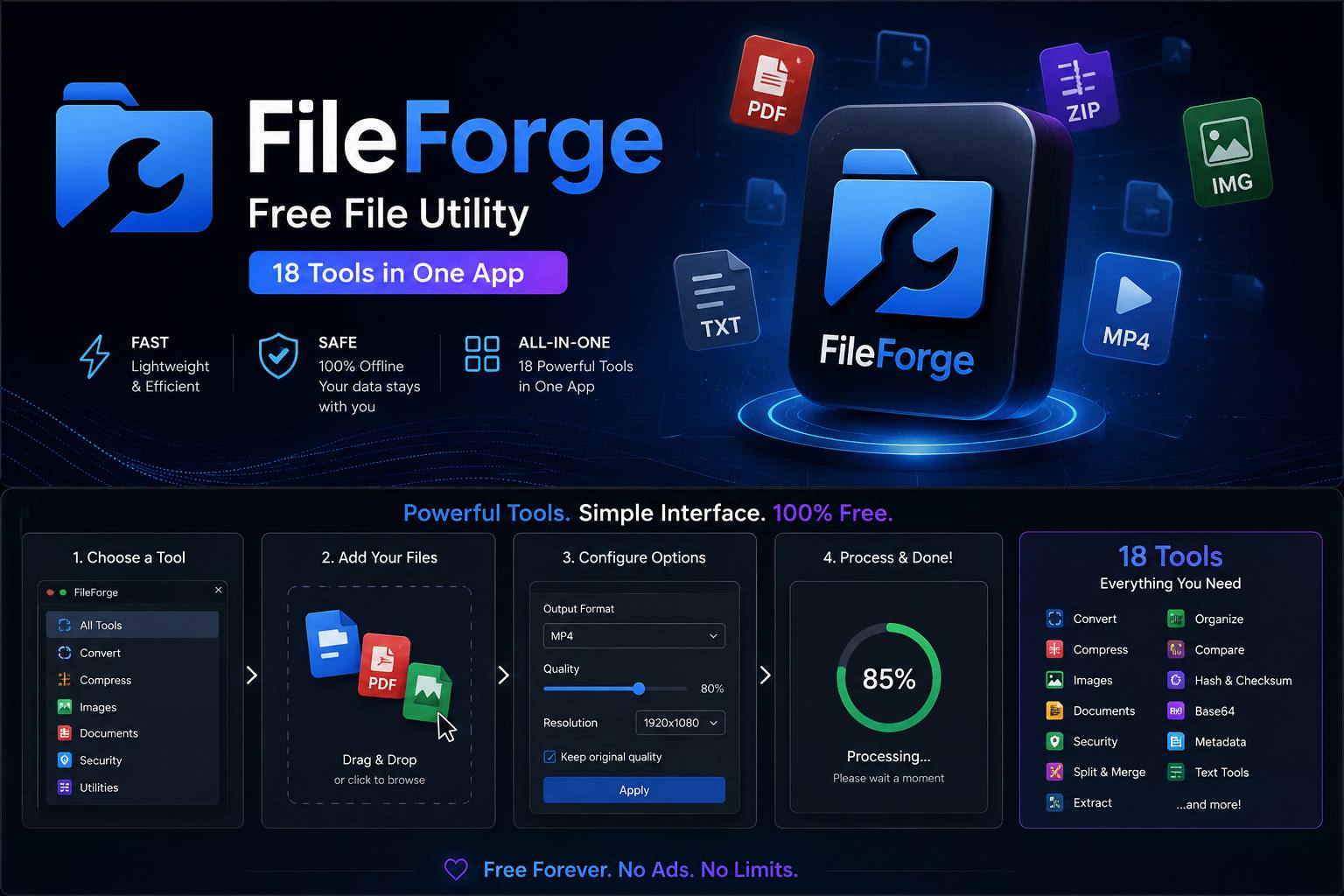
FileForge — Free File Utility | 18 Tools in One App
A downloadable tool for Windows
FileForge
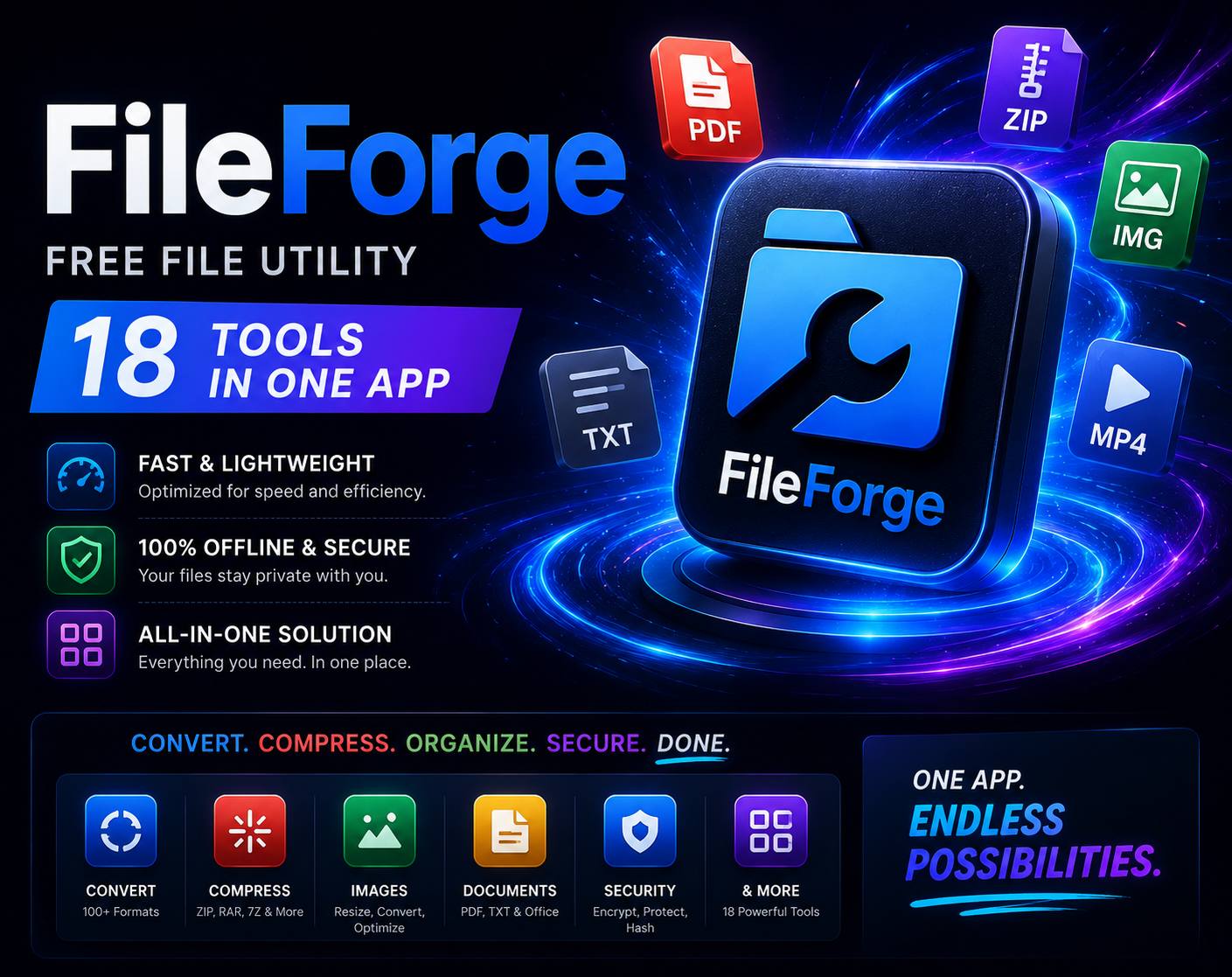
18 Useful File Tools. One Free Windows App.
FileForge is a lightweight all-in-one file utility designed to make everyday file management faster and easier.
Instead of installing a separate application for every small task, FileForge puts a collection of practical file tools into one simple interface.
Completely free. No account required. No cloud upload required.
🛠️ What's Inside
📁 File Tools
Batch Rename Rename multiple files at once using prefixes, suffixes, numbering and custom patterns.
File Splitter Split large files into smaller parts using a size you choose.
File Merger Combine previously split files back into a single file.
ZIP Creator Quickly create ZIP archives from selected files and folders.
🧪 File Generators
Random File Generator Create test files with a custom size range.
Choose the number of files, minimum and maximum size, extension and output folder.
Random Folder Generator Generate multiple folders automatically with customizable names.
Test Data Generator Create disposable files and folders for testing applications, storage systems and file-management workflows.
FileForge includes size and disk-space safeguards to help prevent accidental creation of unexpectedly large amounts of data.
🔍 File Analysis
Hash Calculator Calculate common file hashes and verify that files have not changed.
Folder Analyzer Quickly inspect folder contents and identify where storage space is being used.
File Extension Analyzer See which file types are present in a folder and how much space they occupy.
Folder Tree Generator Turn a folder structure into a readable text tree that you can copy or save.
🧹 Cleanup Tools
Duplicate Finder Find files with matching content so you can review potential duplicates.
Empty Folder Finder Locate empty directories inside a selected folder.
Temporary File Finder Identify files that may be temporary or unnecessary before deciding what to remove.
FileForge does not silently delete your files. Cleanup actions are designed to give you control over what happens.
⚡ Why FileForge?
One app instead of many
FileForge combines everyday file utilities into one application so you don't need a separate program for every small task.
Lightweight
FileForge is designed to stay simple and responsive without unnecessary features running in the background.
Offline
Your files can be processed locally on your computer. FileForge does not require uploading files to a cloud service for its core tools.
Simple interface
Select a tool, choose your files or folders, configure the options and start.
Free
FileForge is completely free to download and use.
💻 Requirements
Operating System: Windows 10 / Windows 11 Architecture: 64-bit Internet connection: Not required for core functionality Price: Free
📦 Perfect For
- Developers
- Game developers
- Testers
- Power users
- Students
- Content creators
- System administrators
- Anyone who works with lots of files
Whether you need to rename 500 files, generate test data, inspect a folder, calculate a hash or quickly create an archive, FileForge gives you a tool for the job.
🚀 Download FileForge
Download the latest version, launch the application and choose the tool you need.
No account. No complicated setup. Just useful file tools in one place.
If you find FileForge useful, consider leaving a rating or comment — it helps the project grow and makes it easier for other users to discover it.
🔄 Planned Features
FileForge is actively designed to grow with new utilities.
Potential future tools include:
- Advanced file organizer
- More archive formats
- Folder comparison
- File metadata viewer
- Advanced batch operations
- Custom filename templates
- Additional hash algorithms
- More developer-oriented utilities
Have an idea for a useful file tool? Leave a comment and let us know.
Download
Install instructions
📥 Download & Install Instructions
1. Download FileForge
Click the Download button on this page and download the latest FileForge release for Windows.
2. Extract the archive
If the download is provided as a .zip file:
- Right-click the downloaded ZIP file.
- Select Extract All...
- Choose a folder where you want to keep FileForge.
- Click Extract.
3. Launch FileForge
Open the extracted folder and run:
FileForge.exe
No additional installation is required if you are using the portable version.
4. Start using FileForge
After launching the application, choose the tool you want from the main menu.
You can immediately start working with your files and folders.
🛡️ Windows Security Notice
Windows may display a security warning when launching a newly downloaded application that does not have a widely recognized code-signing reputation.
If Windows shows a warning, verify that you downloaded FileForge from the official itch.io project page before choosing whether to continue.
Only run executable files from a source you trust.
❗ Troubleshooting
FileForge does not start?
Make sure you are running Windows 10 or Windows 11 (64-bit) and that you extracted the complete ZIP archive before launching the application.
Windows blocks the application?
Check the Windows Security notification and make sure the file came from the official FileForge download.
Still having problems?
Leave a comment on the itch.io page with your Windows version and a description of the problem so it can be investigated.
Development log
Leave a comment
Log in with itch.io to leave a comment.